

Welcome to Mythex
Mythex is an AI app builder. You describe what you want in plain language. Mythex builds a working app you can try instantly — then publish a public link when you are ready. You do not need to choose between a simple builder and a real workspace. Mythex gives you both.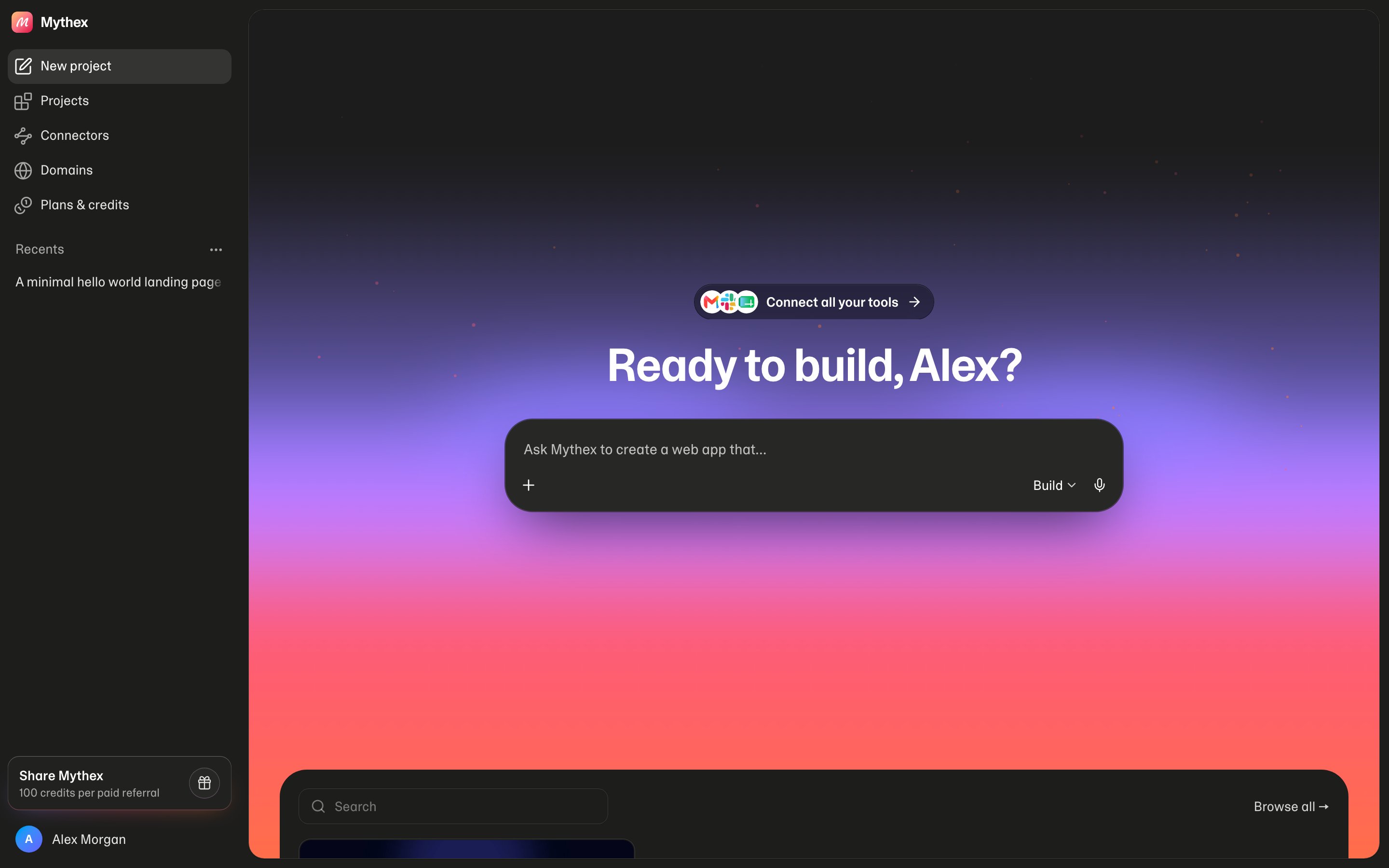
Quick start
Build and preview your first app in about ten minutes.
Why Mythex
Simple. Powerful. One place — chat, preview, code, and publish.
Compare
How Mythex compares to other AI builders.
Plans
Free and Pro — credits, publish, and support.
The three things
- Simple — chat in plain language, watch a live preview, publish a link. No coding required to start.
- Powerful — real workspace with code, terminal, database, export, and GitHub. You own what you build.
- One place — chat, preview, code, and publish together. Not two tools and a handoff.
The core loop
- Describe the app or website you want.
- Mythex builds a working version for you.
- Preview it live in the browser (including a phone-size frame).
- Chat to iterate — change copy, layout, data, or behavior.
- Publish when you are ready to share.
Who Mythex is for
- Founders validating ideas and demos
- Small businesses that need a site or simple tool
- Freelancers & agencies shipping prototypes faster
- Students & makers learning by building
- Teams that want preview and publish without local setup
What you own
You own the apps and content you create. Export anytime, or sync to GitHub. Mythex hosts and runs them so you can build and ship — the output is yours.Next steps
1
Create an account
Sign up with email or Google.
2
Build something
Follow the quick start or pick a use case.
3
See how we compare