

Account settings
Open Account settings (/settings) from the account menu: your avatar at the bottom of the sidebar → Account settings.
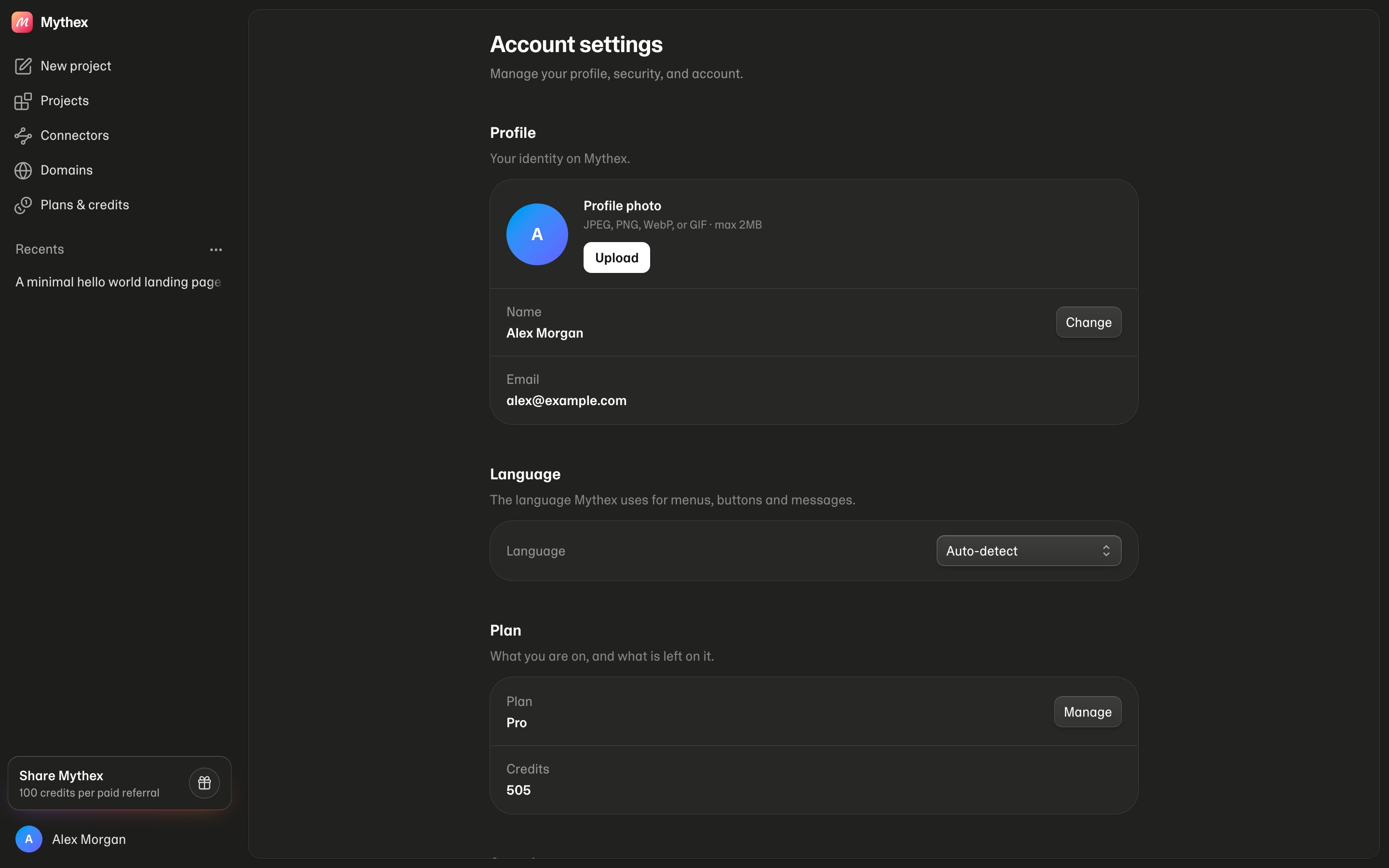
Profile
- Profile photo — upload JPEG, PNG, WebP, or GIF (max 2 MB), or remove the current photo
- Name — click Change, edit, and save (shown in the workspace and on invites)
- Email — read-only on this page (sign-in identity)
Password
Under Security → Password, click Change, enter your current password and a new one (min 8 characters). Google-only accounts should sign in with Google — there is no Mythex password to change.Two-factor sign-in
Under Security → Two-factor sign-in, click Set up to require a code from an authenticator app each time you sign in. Once it’s on, the same row has New recovery codes and Turn off. See Security.Recent sign-ins
Recent sign-ins shows your last 10 sign-ins — device, approximate location, IP address and time — with This device next to the one you’re using. Sign out others signs out every other browser and app. We also email you when a new device or browser signs in. See Security.Language
Pick the language Mythex uses for menus, buttons and messages: Auto-detect (follows your browser) or one of 65 languages. It switches at once and is saved to your account, so your other devices follow. Arabic, Persian and Urdu run right-to-left. See Language.Notifications
Be told when a build finishes, even when Mythex isn’t open. Click Turn on and allow the browser prompt; the row then reads On. Mythex stays quiet while you are already looking at the project it would be about. See Notifications for the full behaviour, and for what Blocked means and how to undo it.Team
The Team row shows the workspace you’re in and your role there, and anything waiting for you (join requests or publishes to approve). Manage opens the workspace’s Team page — members, roles, limits, rules and security.Memory
The Memory row shows whether memory is on and how many memories you have. Click Manage to open Settings → Memory, where you can see and edit everything the agent knows about you, write About you, or turn memory off.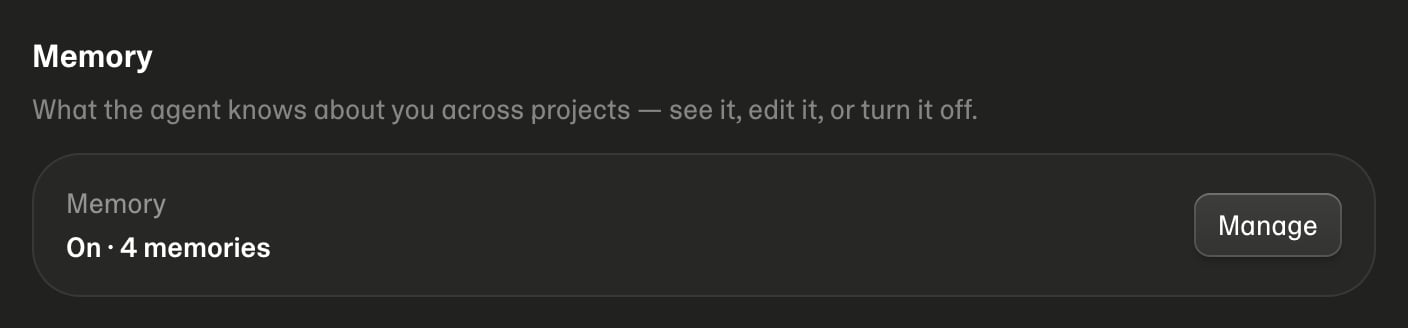
MCP / Claude
Connect Claude, Codex, or Cursor to Mythex via MCP. Under MCP / Claude:- Copy the MCP URL
- In Claude or Cursor, add that URL and click Connect
- Approve access on the Mythex consent page (sign in if needed)
Delete account
Under Danger zone → Delete account:- Click Delete account
- Type
DELETEto confirm - If your account has a password, enter it
- Confirm — you are signed out and redirected to signup