

Mobile apps
Mythex can turn the app you built into a phone app for Android and iPhone. It stays one project: the agent wraps your web app with Capacitor (always its latest version), and your website keeps working exactly as before.Mobile apps are part of the Pro plan and up (Business, Enterprise). On Free, the agent can’t build, connect a store account, or read your store listings. See Plans.
Start a build
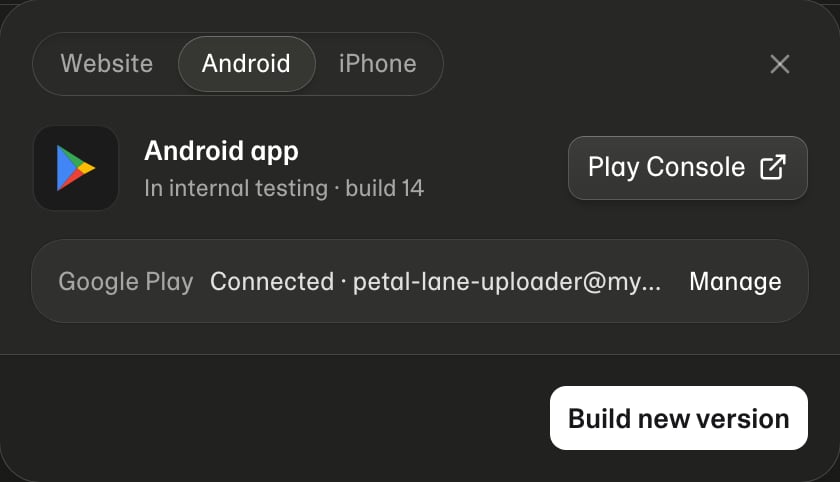
Three ways, all of which end up in the chat:- Publish → Android or iPhone. The Publish button has tabs: Website, Android and iPhone. A phone tab shows where that app stands and which store account it uses, and its button (Build Android app, Build iPhone app or Build new version) sends the request to the chat for you.
/mobilein the message box, followed by what you want: “/mobile Android, and send it to Google Play”.- Your own words: “Make this an Android app and put it on Google Play.”, “Build the iPhone app.”

Store accounts
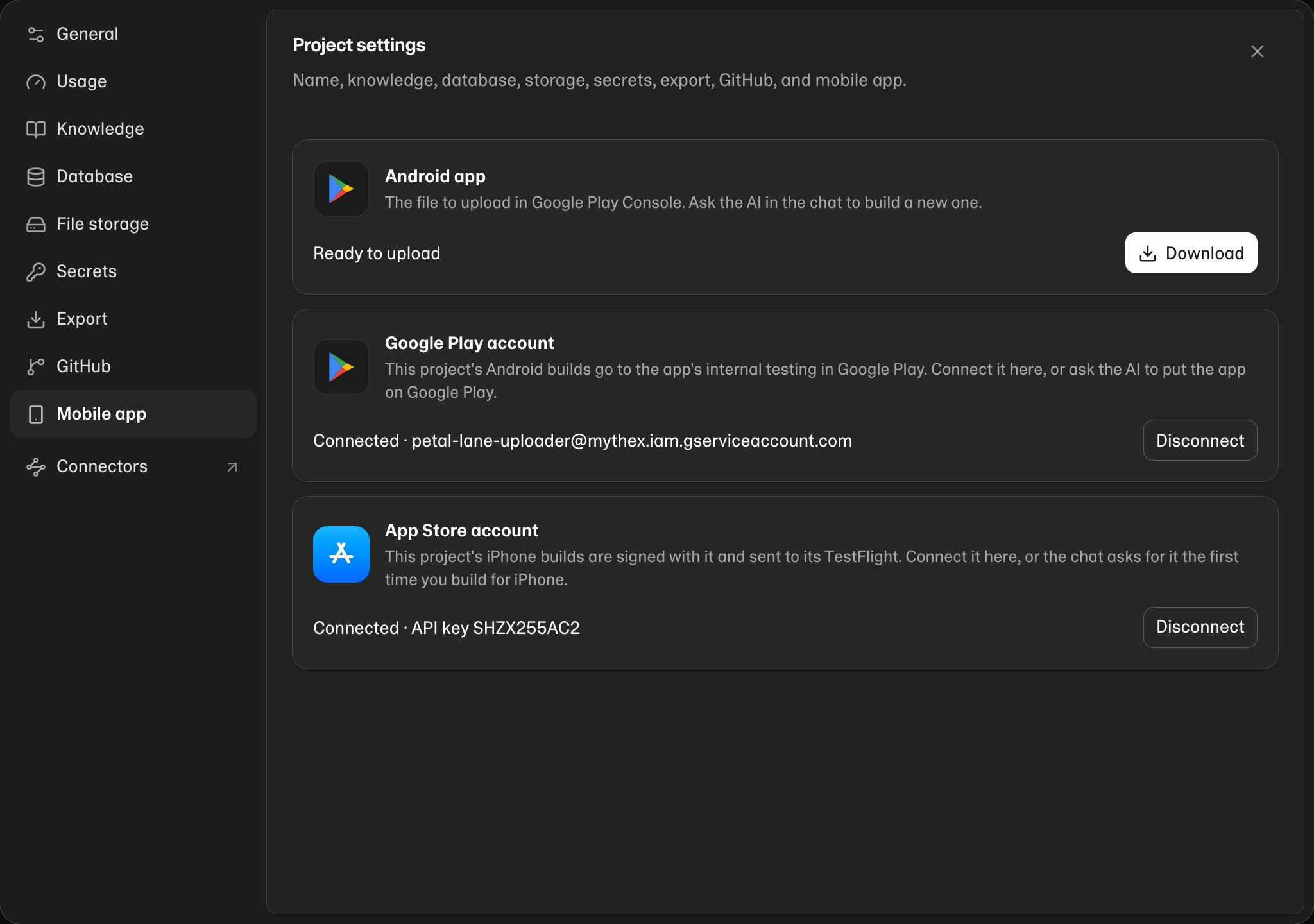
When the agent needs an account, it pauses and shows a Connect panel above the message box (like secrets in chat); the key is checked with the store before it’s saved. Keys are stored encrypted, per project, and are never shown again. Only the project’s owner can connect or disconnect them; a teammate’s build uses the owner’s account.
What the agent can do in the stores
With an account connected, the agent can read and change your store presence for you — the listing text and screenshots, testing tracks, versions and build numbers, testers, and release status:- “What version is on Google Play and TestFlight right now?”
- “Write the store description and add screenshots.”
- “Move the latest build to production.”