

Chat
The left chat panel is how you steer Mythex.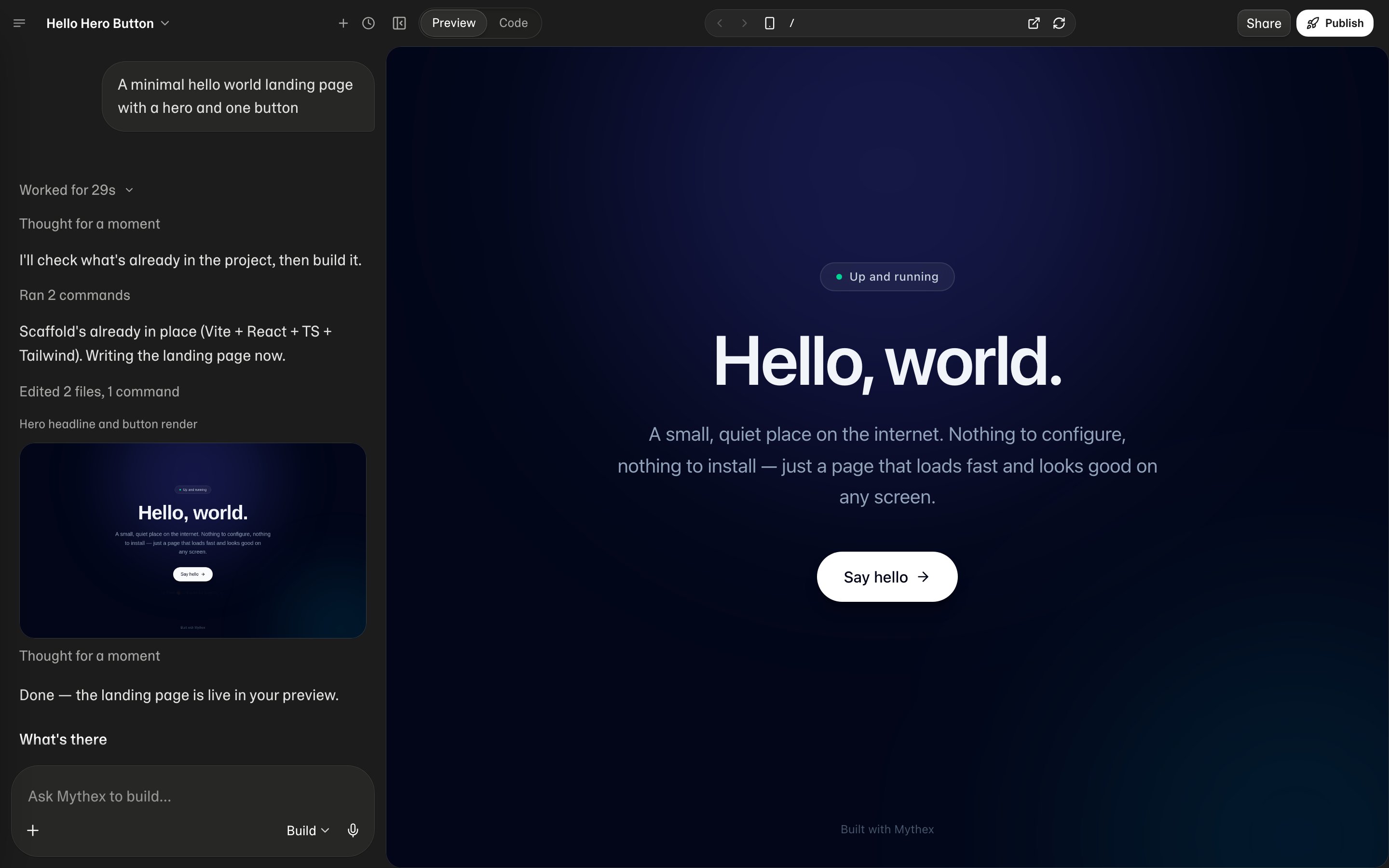
What Mythex can do
Inside your private project workspace, Mythex can:- Create and edit files
- Install packages
- Run commands in the terminal
- Inspect errors and iterate
- Use project tools exposed by the platform
- Look at images you attach (screenshots, mockups, error screens)
- Generate images — see Generate images
- Answer questions that have nothing to do with your project
Asking it anything
Mythex is an app builder, but the chat is not limited to your project. Ask it to explain something, talk through an idea, check your reasoning, or answer an ordinary question, and it answers — the same as any AI assistant would. It replies in whatever language you write in — the whole turn, including the notes while it works — and names a new project in the language of your first prompt. See Language. For questions where a professional matters — health, money, law — it answers plainly and tells you when to check with a doctor, an accountant, or a lawyer. When you want it back on the build, just say so.It remembers you
Every chat starts knowing who you are, how you like to work, and the rules you’ve set for the project, so you don’t repeat yourself. Say “remember that…” or “forget that…” at any time, and ask “what do you know about me?” to check. When you refer to an earlier conversation, it can search your past chats. You can see, edit, or turn all of it off in Settings → Memory.Build, Plan, and Ask
In the workspace, choose a mode:
Use Plan when the change is ambiguous or risky. Use Ask for explanations or “what does this do?” without changing files. Use Build when you want Mythex to execute.

The same Build / Plan / Ask menu is on the dashboard composer when you start a project. Sending from home creates the project and opens the workspace in that mode.
Multiple chats (threads)
Each project can have more than one chat thread — useful for separate topics (e.g. “auth refactor” vs “marketing page”) without mixing history.
- New chat — + starts a fresh thread in place of the one you are in, rather than adding a tab. Pressing it while already in an empty chat does nothing, so it cannot leave a trail of unused threads behind.
- Chat history — the clock icon lists past threads. Click one to open it in place; double-click to open it alongside the current one, which is how you end up with more than one tab. You can also rename or delete a thread from here.
- Switch threads — click a tab; close a tab with × (this does not delete the thread). Up to 10 tabs at once.
On phones and tablets
One chat at a time on a touch screen. Double-click is not a gesture a finger performs, so opening a chat from history always takes the place of the current one — on a phone, and on a tablet held in two hands. Attach a trackpad or mouse to that tablet and opening alongside comes back. Everything else — starting, renaming, deleting — works the same; on a phone, New chat and Chat history are in the project menu (tap the project name at the top). Inside a project the drawer also has a New chat button. Deleting a thread removes its messages permanently. Deleting the one you are reading drops you into the most recent chat that is left, not an empty workspace. All threads share the same project files and preview.Empty chat
On a new thread, starter chips (for example Portfolio site, SaaS landing page, To-do app) fill the composer — they do not send until you confirm. If no tabs are open, New chat or Open history starts or reopens a thread.Stop a run
While the agent is working, click Stop to cancel the current run. You can send a new message after it stops.Edit and resend
Hover an earlier user message to edit it. Confirming Discard & resend rewinds the project to before that turn (when a checkpoint exists) and sends the new prompt — useful when a turn went the wrong direction.Checkpoints / revert
After a successful agent turn, Mythex saves a git checkpoint. Use Revert to this point (the undo icon at the end of the reply, next to Copy) to roll the project files back to that point — confirm with Restore in the dialog that asks. On a laptop the icon shows when you hover over the reply.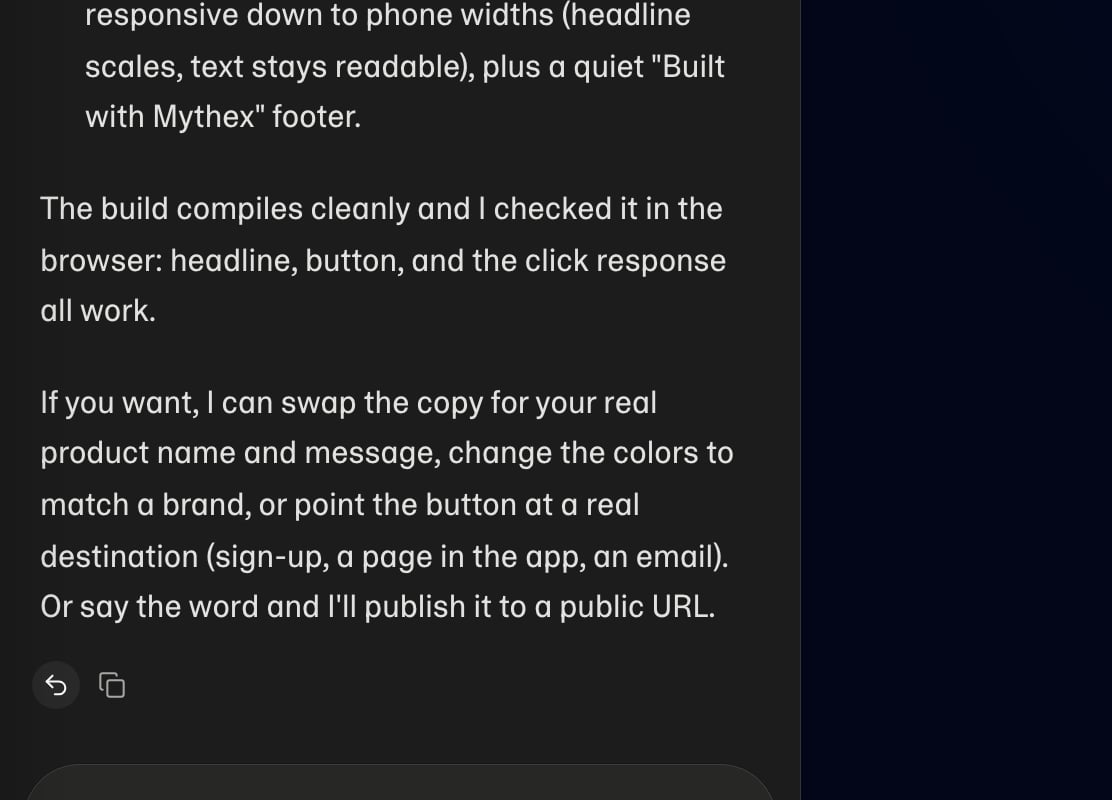
Live progress
Runs stream live updates. Leave the tab open during a run so you can steer with follow-ups after it finishes.Follow-up queue
You can send another message while the agent is still working. It appears as N Queued above the composer. Expand the list to Edit, Send now, or Remove an item.Switch to Plan
If the agent wants to plan before editing, a Switch to Plan card appears. Switch (or ⌘/Ctrl+Enter) continues in Plan mode; Skip (Esc) stays in the current mode.
Ask questions
Sometimes the agent needs a product choice. An Ask questions panel appears above the composer: pick an option, type a custom answer, then Continue. Use Previous / Next on multi-step questions, or Skip. Until you answer, the agent is waiting on you.
Connection errors
If a turn fails to send, a helper banner may show Try again (⌘/Ctrl+Enter).Plan card
After a plan is ready, View Plan opens a read-only plan tab. Build starts implementing it. See Subagents.

Attachments
Logged-in users can attach images and files from:- The project workspace chat
- The home / dashboard composer (attachments carry into the first chat turn when you create a project)
Files Mythex gives you
Ask for a document and Mythex hands it back in the chat as a file you can open and download:- “Update my CV — change my title and add Rust to my skills” (attach the PDF or Word file)
- “Turn these notes into a one-page PDF”
- “Clean up this spreadsheet and add a total column”
- “Make a 6-slide deck from this report”
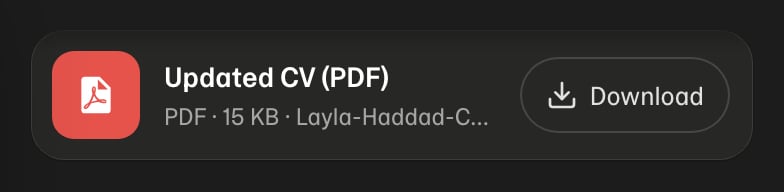
- Tap the card to preview it. Pictures, PDFs and text open right in Mythex — on a phone, a PDF’s pages fit the screen and you scroll through them. Word, Excel and PowerPoint files have no preview; download them.
- Download saves the file under its own name. On an iPhone, Safari asks Do you want to download…? first; the file then is in the Files app, under Downloads.
Commands
In the workspace chat, use Commands for common platform actions (you can also ask in plain language):Tips
- One clear goal per message beats a long wish list
- Point at what you see in Preview (“the hero button is cut off on phone”)
- Prefer small follow-ups over restarting the whole app
- Attach a screenshot when words alone are ambiguous