

Memory and knowledge
Mythex doesn’t start from zero every time you open a chat. The agent knows who you are, how you like to work, and the rules you set for a project, without you repeating them.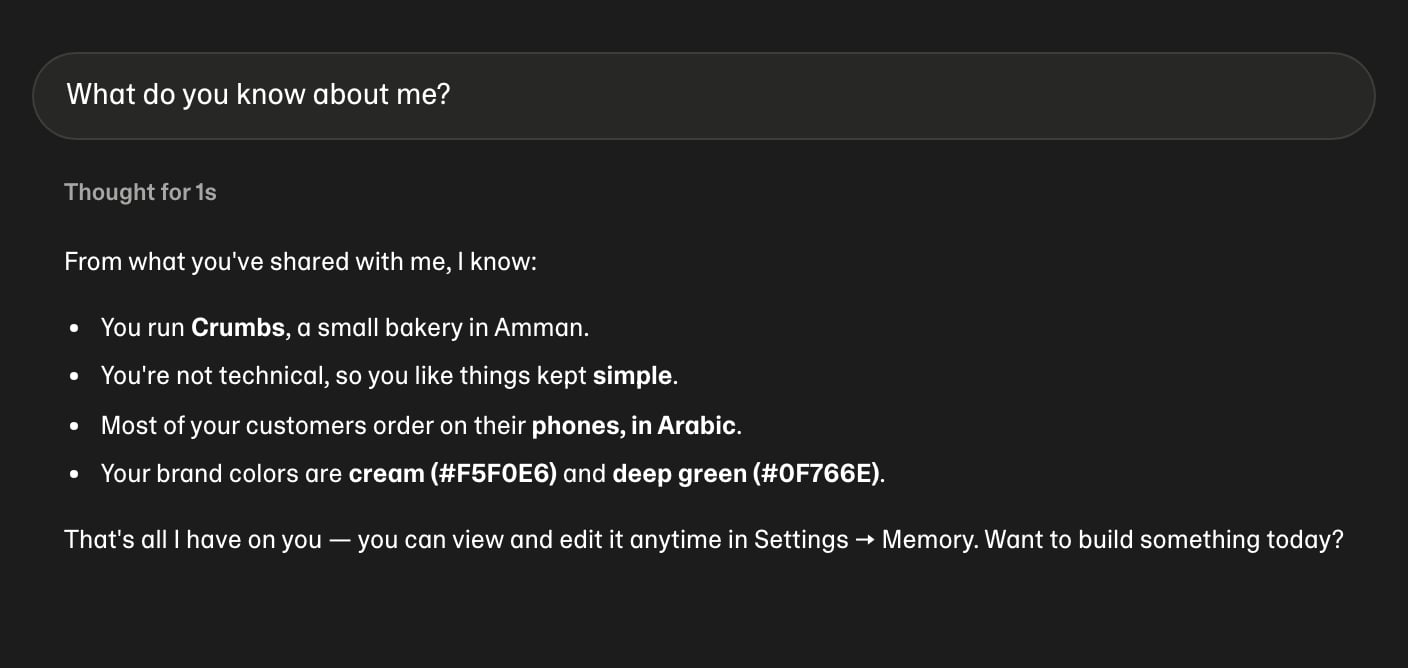
Memory and About you belong to you and follow you into every project. Knowledge belongs to a project or workspace and is shared with everyone who builds there.
How the agent uses it
At the start of every message, the agent is given your About you, your memories, and the knowledge for the project you’re in. It uses them without being asked. It replies in your language, matches your taste, and doesn’t ask for things you already told it.- About you and knowledge are instructions: the agent follows them.
- Memories are background: the agent uses what helps, and what you say now always wins over something remembered.
How memories are made
It learns from your chats. When you mention something lasting, like your business, your audience, your brand colours, how technical you are, or the people and things that matter to you, Mythex saves it as a short fact. This happens in the background after you send a message, so it never slows a reply down. Only your own words count. Nothing is learned from files, websites, tool results, or the agent’s replies. Requests about the task at hand (“add a login page”) aren’t remembered either. Those belong to the project, not to you. You can ask directly. Say “remember that…”, “from now on…”, or “forget that…” in any chat. You can add them yourself in Settings → Memory.Settings → Memory
Open it from Account settings → Memory → Manage, or go straight to /settings/memory.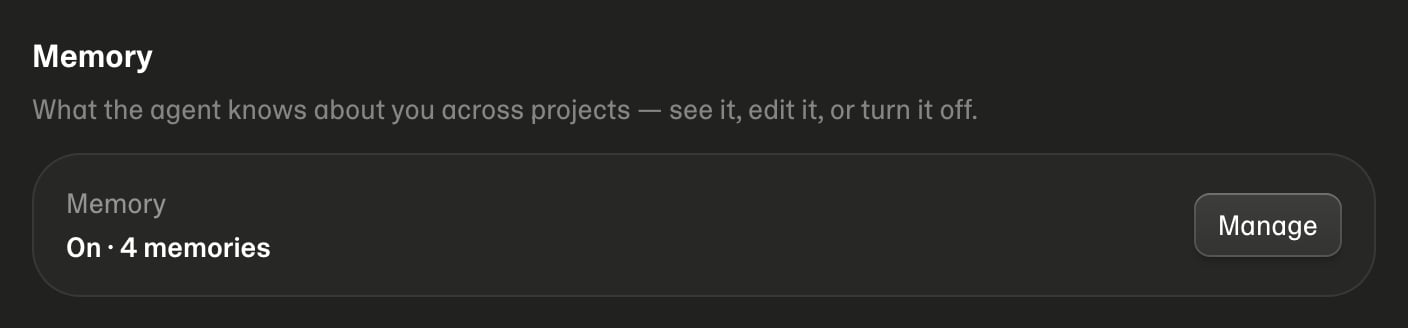
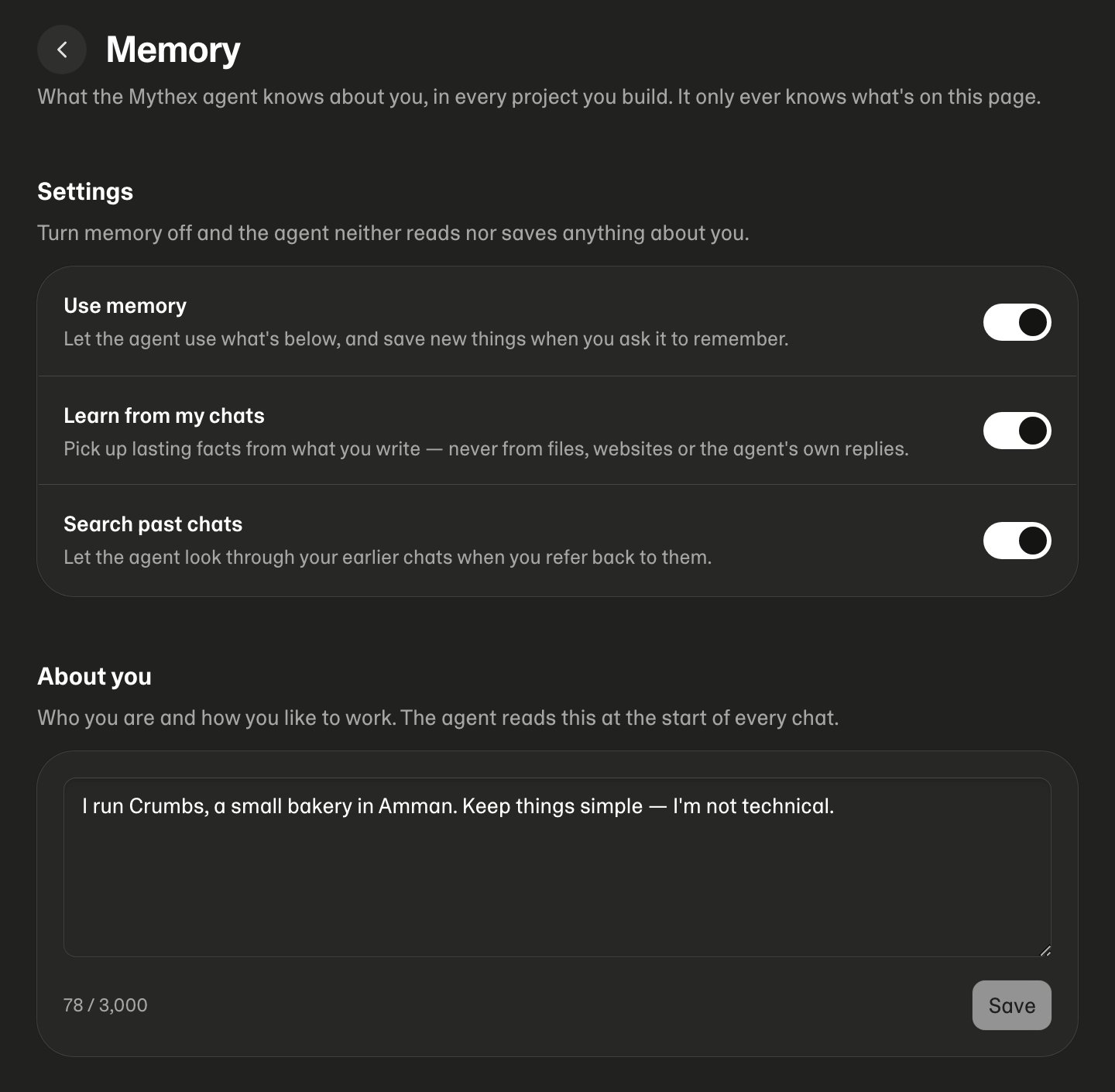
The switches
Changes take effect on your next message.
About you
A few lines in your own words, up to 3,000 characters. It’s given to the agent at the start of every chat. It works well for things like “I run a small bakery in Amman. Keep things simple, I’m not technical.”What Mythex remembers
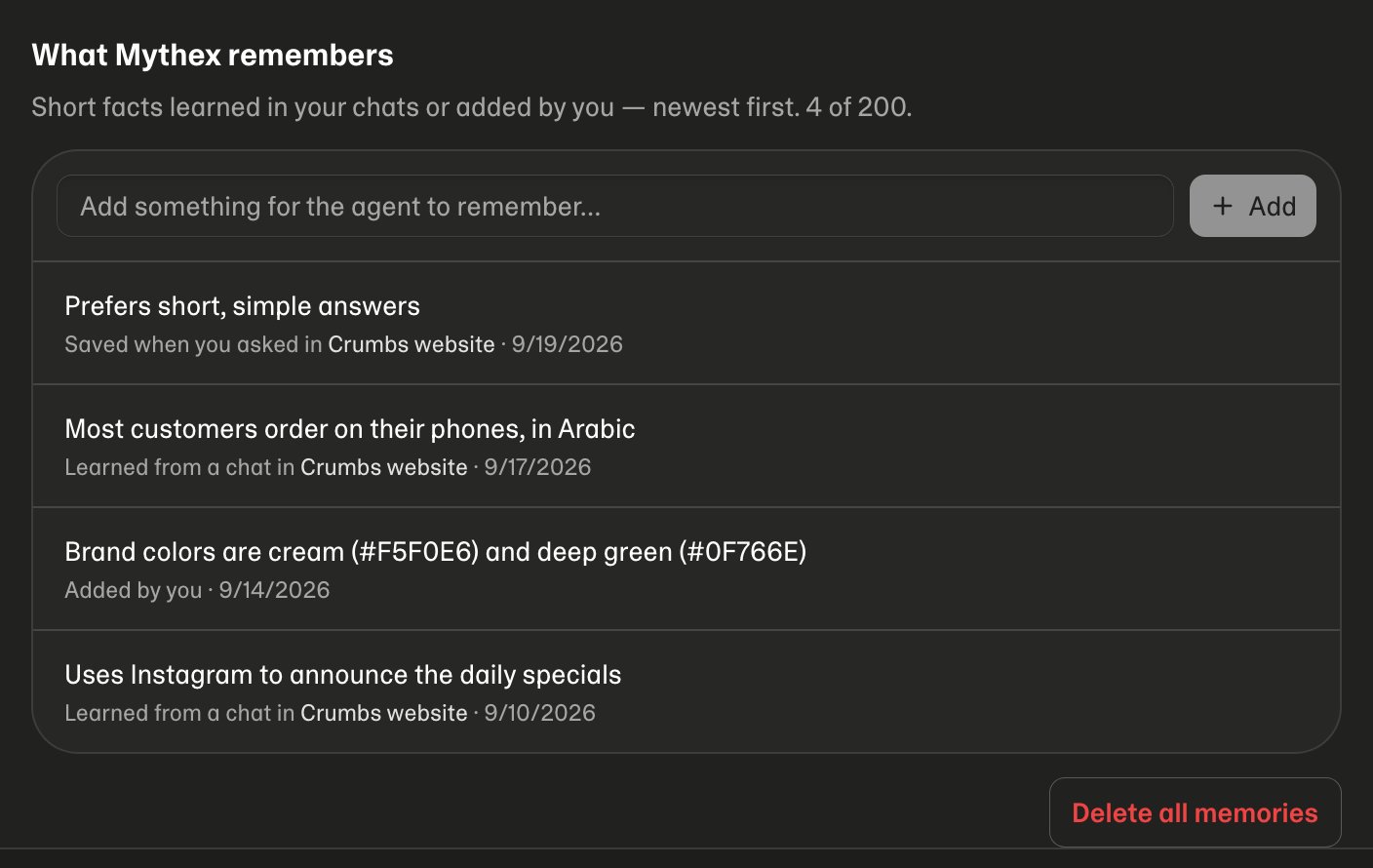
- Add: type a fact and press Enter.
- Edit: click the pencil. Enter saves, Escape cancels.
- Delete: click the bin to remove one, or Delete all memories to clear the list. Delete all keeps your About you and switches.
- Filter: appears once you have more than eight.
Knowledge for a project or workspace
Open a project, then Project settings → Knowledge.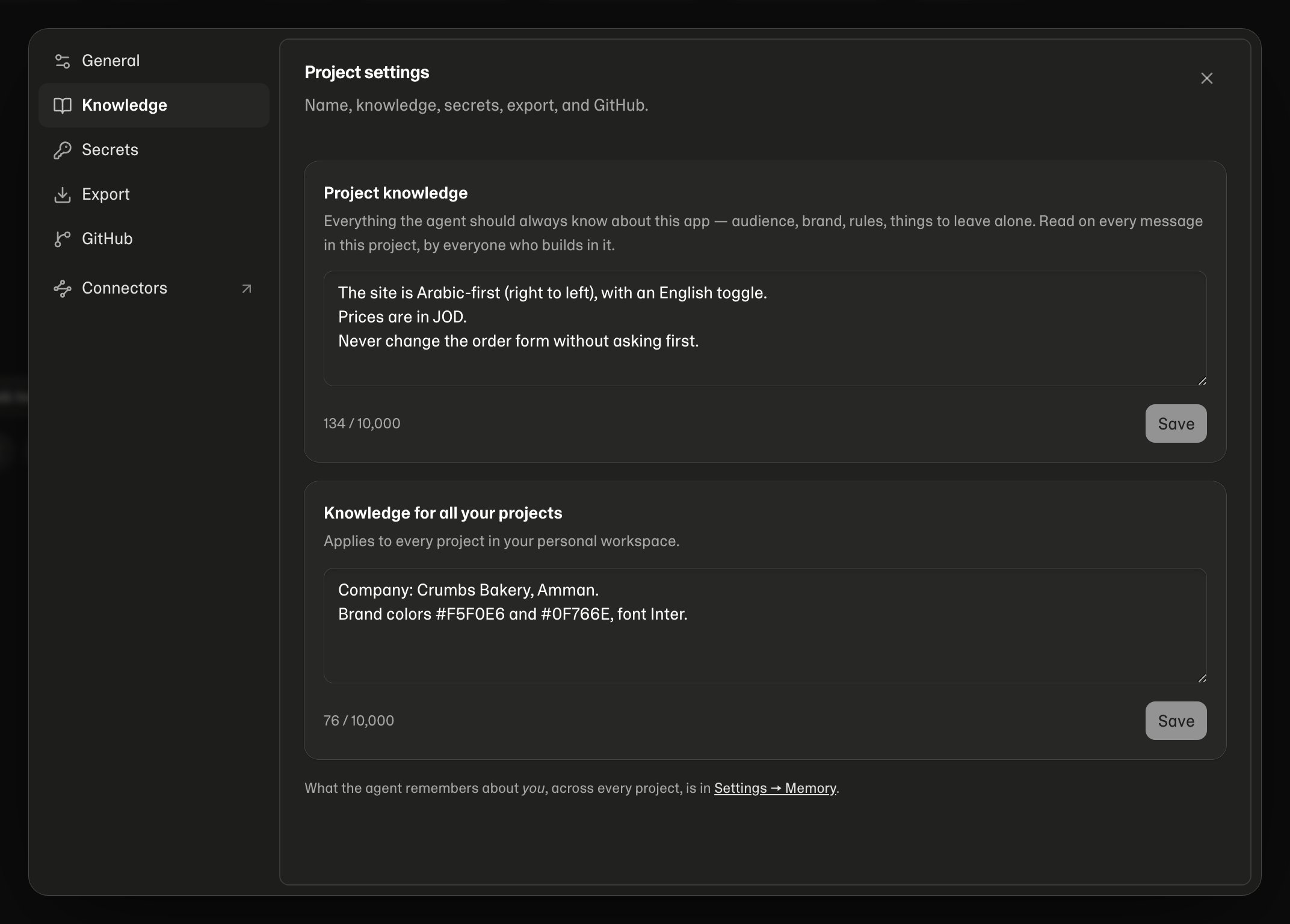
- Project knowledge: everything the agent should always know about this app, such as audience, brand, rules, and things to leave alone. Anyone who can edit the project can change it.
- Workspace knowledge: applies to every project in the workspace, for everyone in it (for example company name, brand colours, fonts, preferred services). Only the workspace owner can change it. Others see it read-only.
Searching past chats
Your memories are a short summary, not a transcript. When you refer to something from before, like “use the colours from last time” or “do you remember who inspired me?”, the agent can search your earlier chats. It searches this project or all your projects, and then answers from what it finds. It only searches chats you can already open yourself, and it’s told to check them before saying it doesn’t remember something. Turn Search past chats off and it won’t search at all.Teams and shared workspaces
- Your memories and About you are yours only. When a teammate chats in a shared project, the agent uses their memories, never yours. Nothing learned from your messages is saved to anyone else.
- Knowledge is shared: project knowledge with everyone on the project, workspace knowledge with everyone in the workspace.
Privacy and safety
- You can see everything. What the agent carries about you is exactly what’s on Settings → Memory, plus the knowledge in your project settings. Beyond that it can only look through your own past chats, and only while Search past chats is on.
- No secrets. Anything that looks like a password, API key, or token is refused, whether you type it or it comes up in chat. Keep keys in project secrets.
- Sensitive topics are left out. Health, religion, politics, sexuality, ethnicity, criminal records, exact addresses and ID numbers aren’t learned unless you explicitly ask.
- Deleting a chat doesn’t delete memories, and deleting a memory doesn’t delete chats. Past-chat search can still find something you said in a chat you kept.
- Turning memory off stops all reading and saving straight away. Your memories stay on the page until you delete them.