

From idea to live app
This is the full loop most builders follow.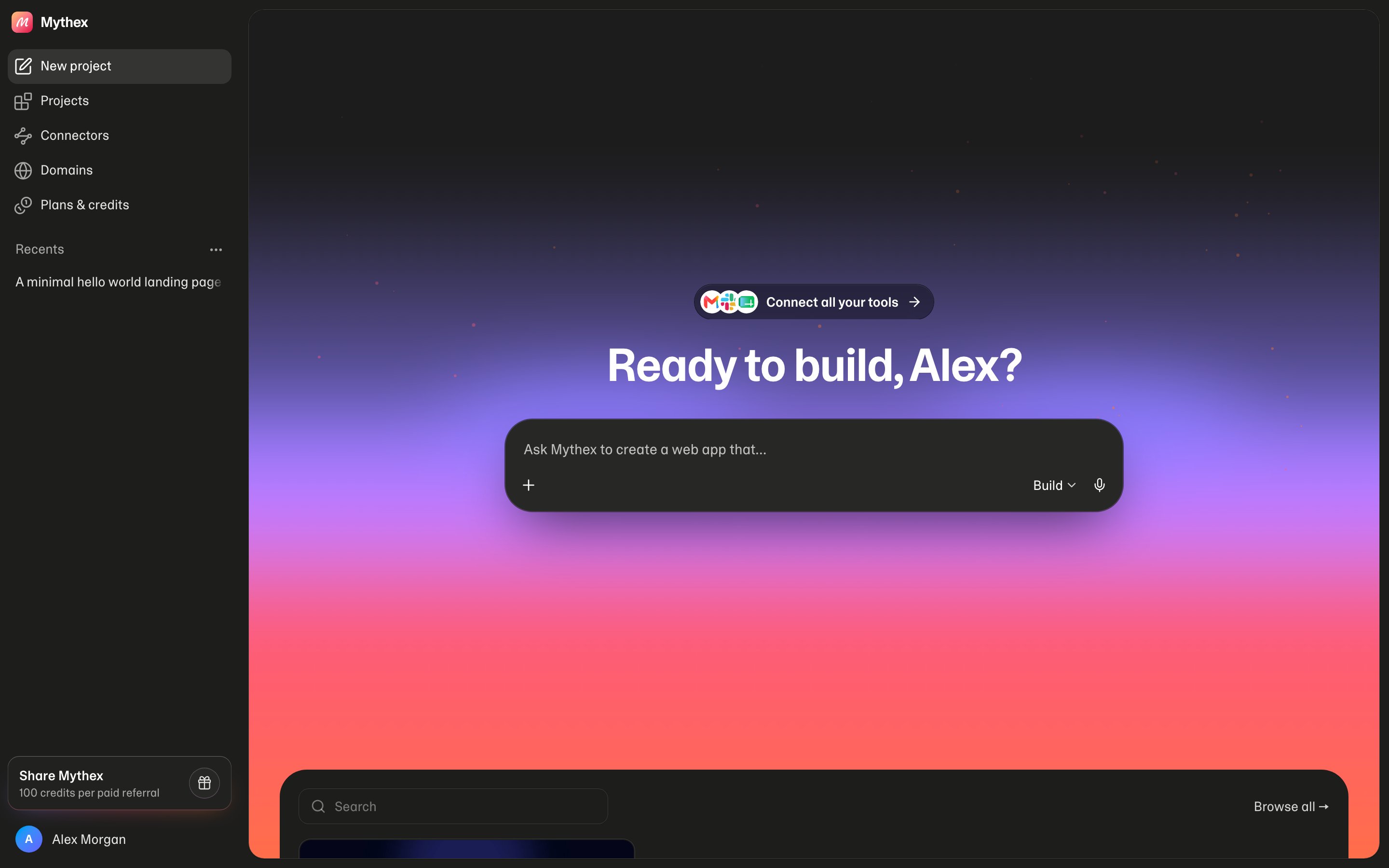
1. Describe the idea
On the dashboard (or after signing up), write what you want in plain language. Attach a screenshot if you have one. Mythex creates a project and opens the workspace.2. Watch Preview
The agent builds in a private sandbox. Use Preview to click through the app. Switch to the phone-size frame when layout matters.3. Iterate in chat
Use Build for changes, Plan when unsure, Ask for explanations. Prefer small follow-ups. Use checkpoints or edit/resend if a turn goes wrong.4. Add data when needed
Ask for a database (/database) or uploads (/storage) only when the product needs them. See Database and Storage.
5. Publish
Verify email, open Publish, choose a slug, deploy. Share{slug}.mythex.app (Pro: custom domain).