

Secrets in chat
Sometimes the agent needs a key (Stripe, OpenAI, email provider, etc.) to finish wiring your app.Secrets request card
When that happens, Mythex shows a secrets request card in chat: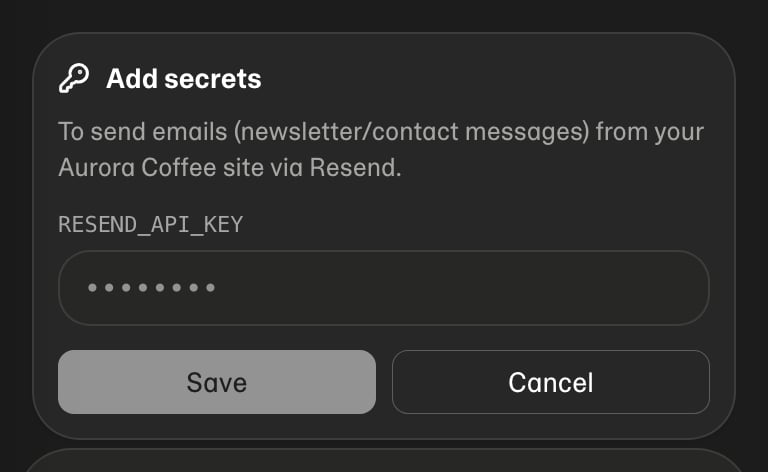
- Enter the values in the card fields (not in the message box)
- Confirm so they are stored as project secrets
- The agent continues with the keys available in the sandbox
Also available in settings
You can always add or edit secrets under project settings → Secrets, or use/secrets in chat.
Tips
- Prefer server-side keys for privileged operations
- If a key ever appears in chat history, rotate it at the provider
- After changing secrets for a published app, publish again so the deploy picks them up