

Workspace overview
Each project opens as one workspace: chat on the left, your app on the right.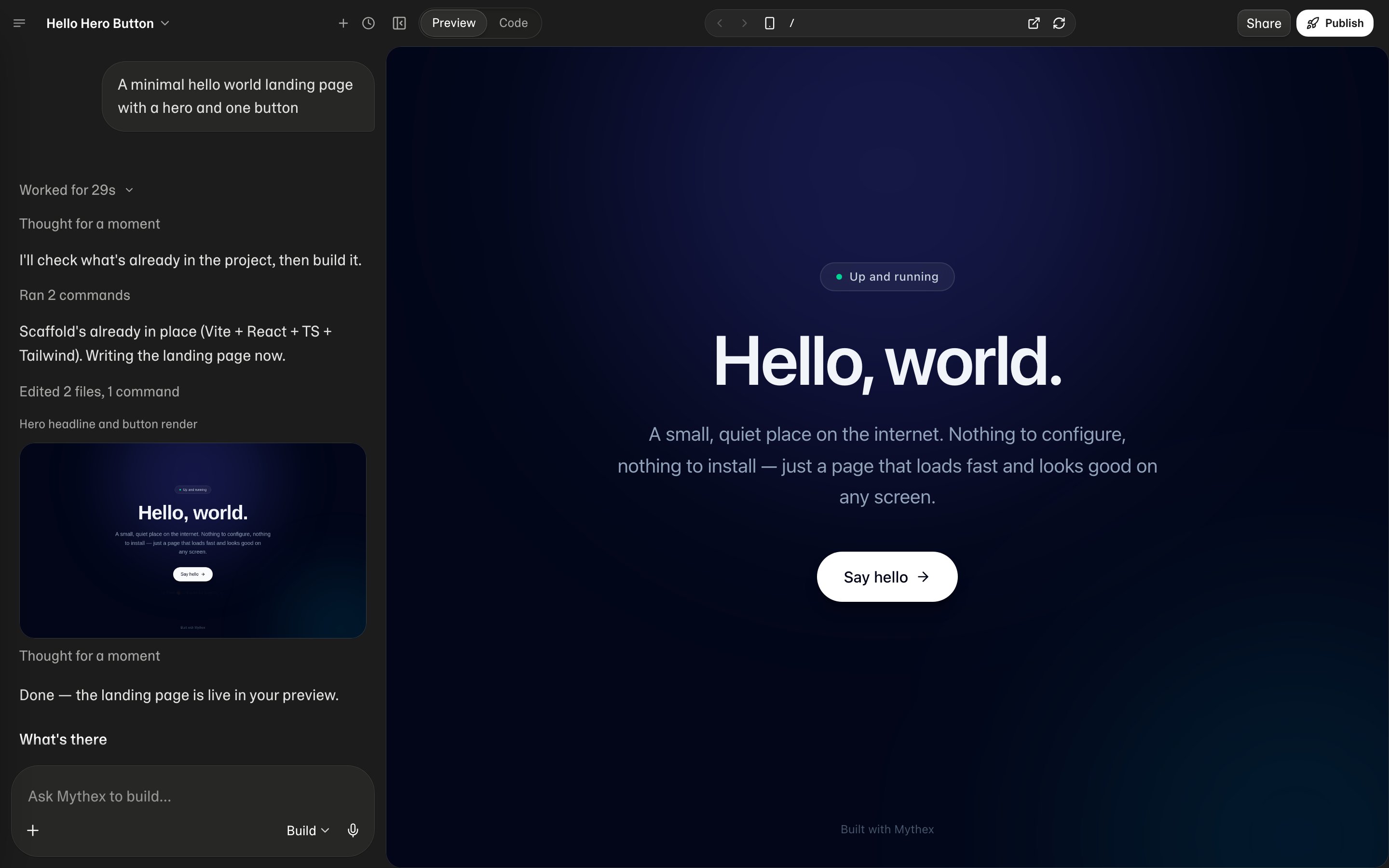
Layout
- Chat — describe what you want; Build / Plan / Ask modes; everyone uses the same Standard coding agent (no model picker); attach images/files
- Preview — the running app. Phone-size frame, address bar, and service picker are on a laptop. On a phone, one pane shows at a time — swipe between the chat and the preview, or use › and ‹ Chat. See Preview and Code
- Code — files, editor, and terminal when you want to dig in
How it fits together
- Your project runs in a private cloud workspace (your team’s workspace members can access shared projects).
- Mythex updates files and runs the app there.
- Preview shows what is running right now.
- Publish creates a separate public version people can open.