

Notifications
A build can take a few minutes, and there is no reason to sit and watch it. Turn notifications on and Mythex tells you when the agent has finished, with what it did — not a generic “your build finished”, but a line from the turn itself.
Turning them on
Open Account settings → Notifications and click Turn on. Your browser asks for permission; allow it once and the row reads On. You can also turn them on from the card that appears in the chat after you send a message. It offers once, and remembers if you dismiss it.What you get told
One notification per finished turn, for the project it belongs to. Clicking it opens that project — if Mythex is already open in a tab, that tab comes forward rather than a second one opening. If a second turn finishes on the same project before you have read the first, the newer one replaces it instead of stacking up.When you won’t be told
While you are already looking at that project. If the tab is open, in front of you, and on the project the notification is about, Mythex stays quiet — you can see the reply arrive, and a system notification about it would only be in the way. You still get told when:- the tab is in the background, or the window is behind something else
- you are on a different project, or anywhere else in Mythex
- the browser is minimised, or Mythex is closed entirely
Turning them off
Two ways, and they are not the same:- In Mythex — Account settings → Notifications. This stops this browser from receiving them.
- In your browser — the padlock in the address bar → Notifications. This revokes permission, and only the browser can give it back.
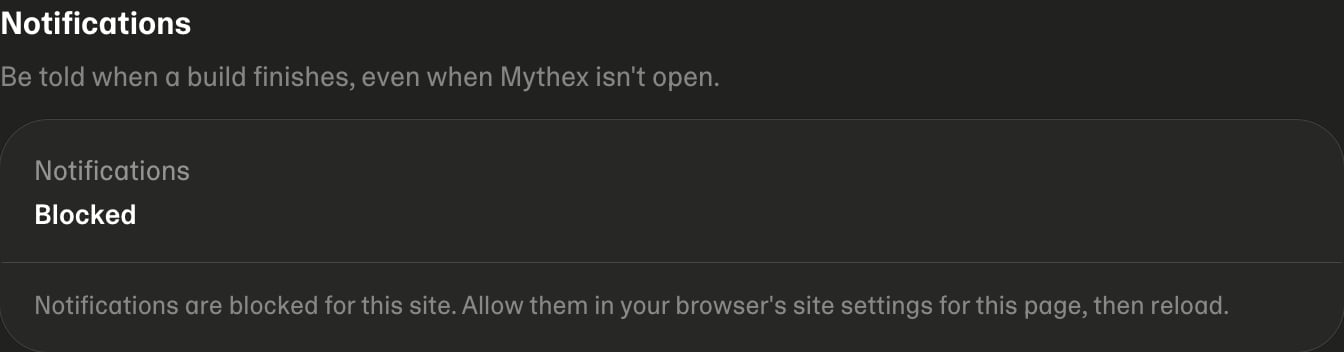
Blocked means permission was declined in the browser at some point. No
website can reopen its own permission settings, so Mythex cannot offer a
button for it — allow notifications for this site in your browser’s settings,
then reload the page.