

Quick start
A short path from zero to a running preview.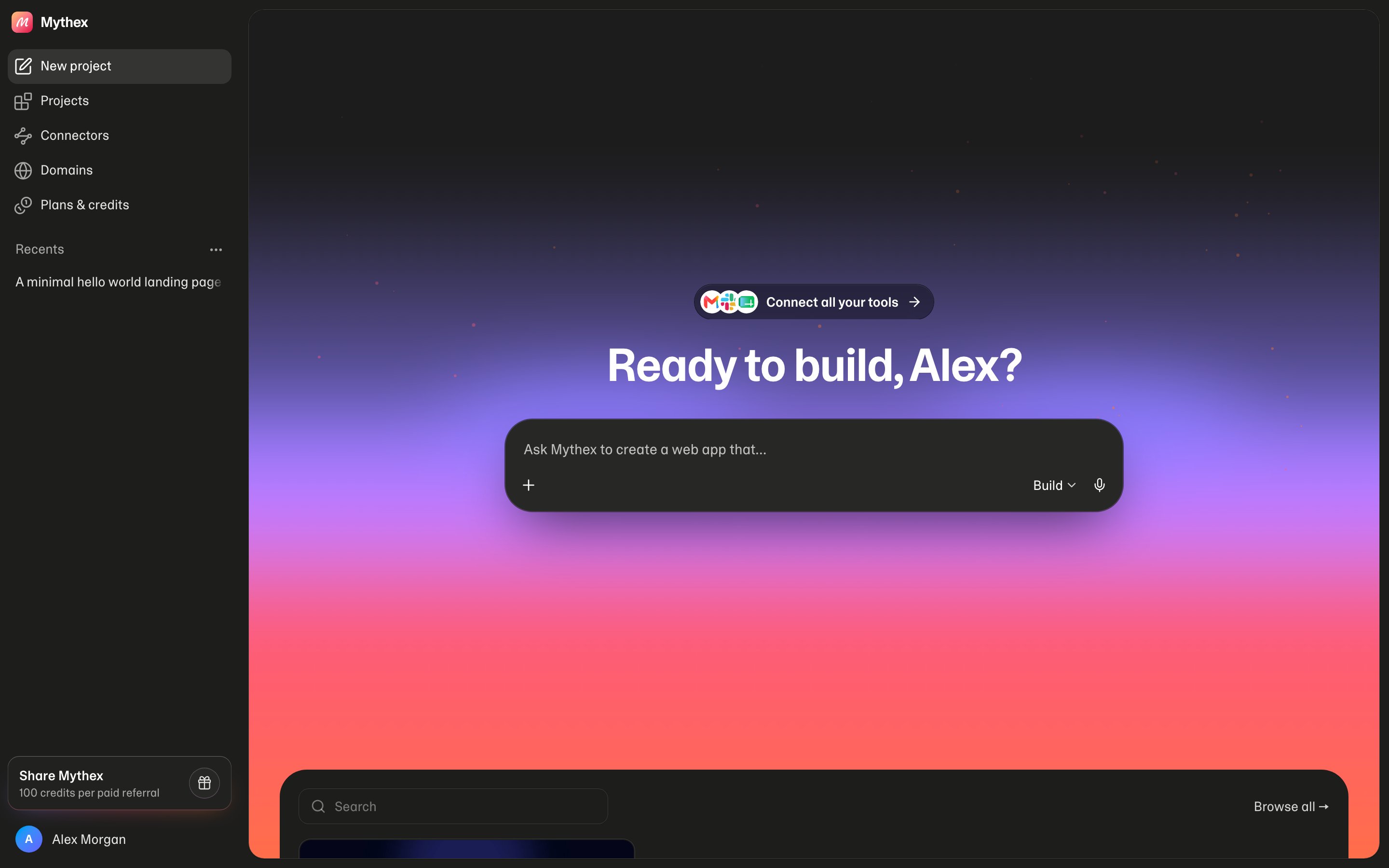
1
Sign up and verify
Open mythex.ai/signup, create an account (email or Google), and verify your email if prompted — building starts after verification.
2
Describe an app
From the dashboard, enter a concrete prompt, for example:
Create a modern landing page for an AI scheduling tool called Northbook. Include a hero, 3 features, pricing teaser, and an email waitlist form stored in the project database.Or browse Templates and click Use template on a niche that matches your idea.
3
Watch it build
Stay on the workspace while Mythex creates the app. Prefer specific follow-ups over restarting from scratch.
4
Click around Preview
Open Preview and try the happy path (navigation, form, phone-size layout).
5
Iterate once
Ask for one focused change (“tighten spacing”, “add testimonials”, “save waitlist emails to the database”).
6
Optional — publish
Verify email if needed, open Publish, choose a slug, deploy. See How to publish.
Tips for a clean first run
- One clear product idea beats a vague “build me a startup”
- Mention tech preferences only if you care
- If something stalls, say what failed and what you see in Preview