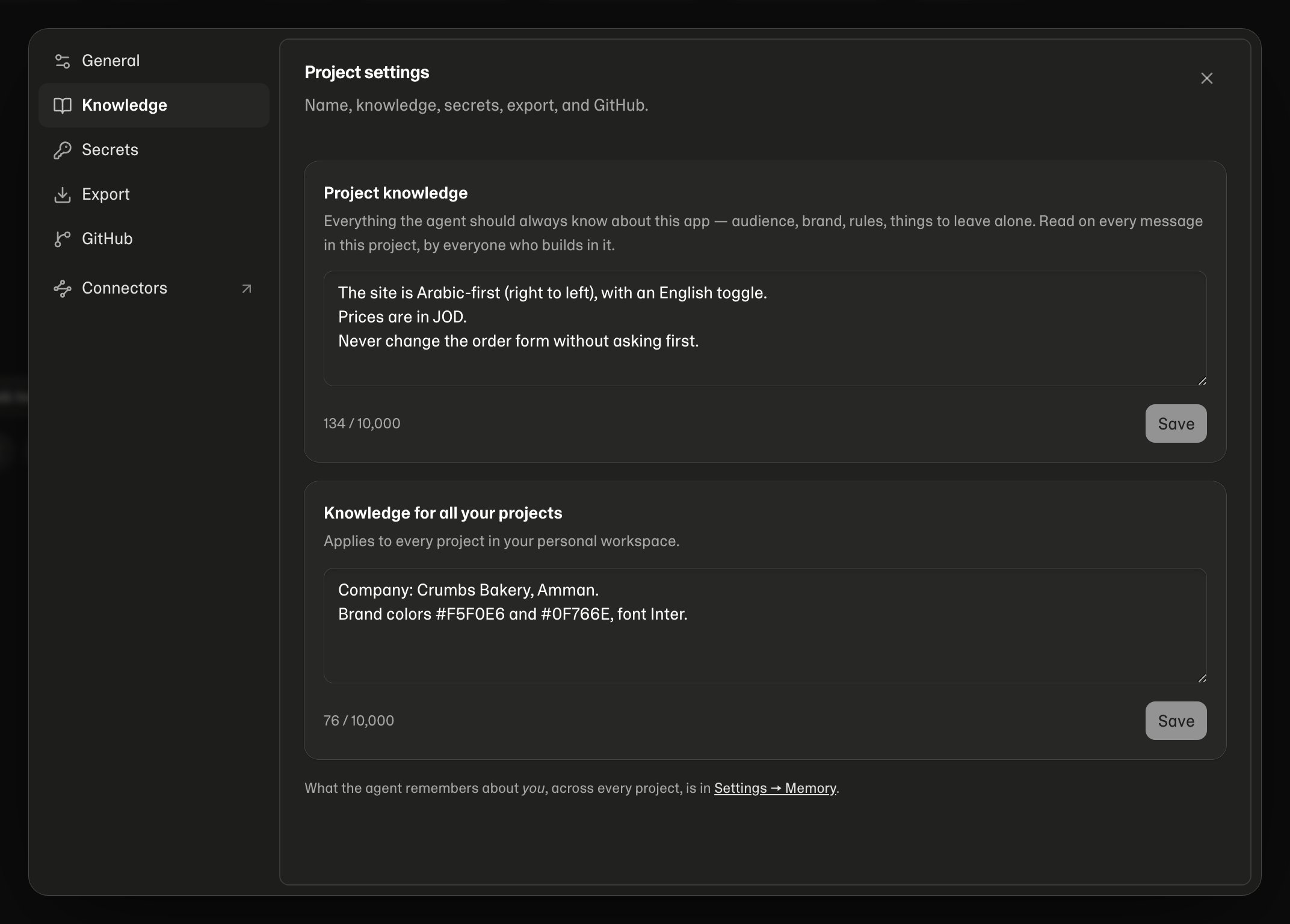
Project settings
From the project workspace, click the project name at the top and choose Settings (on a phone, tap the project name). Usage, Knowledge, Database, File storage, Secrets, GitHub and Export in the same menu open their tabs directly.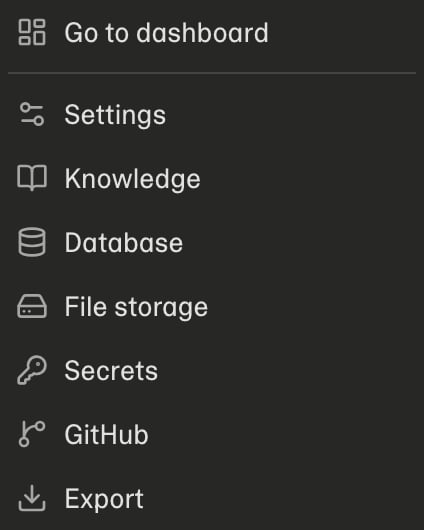
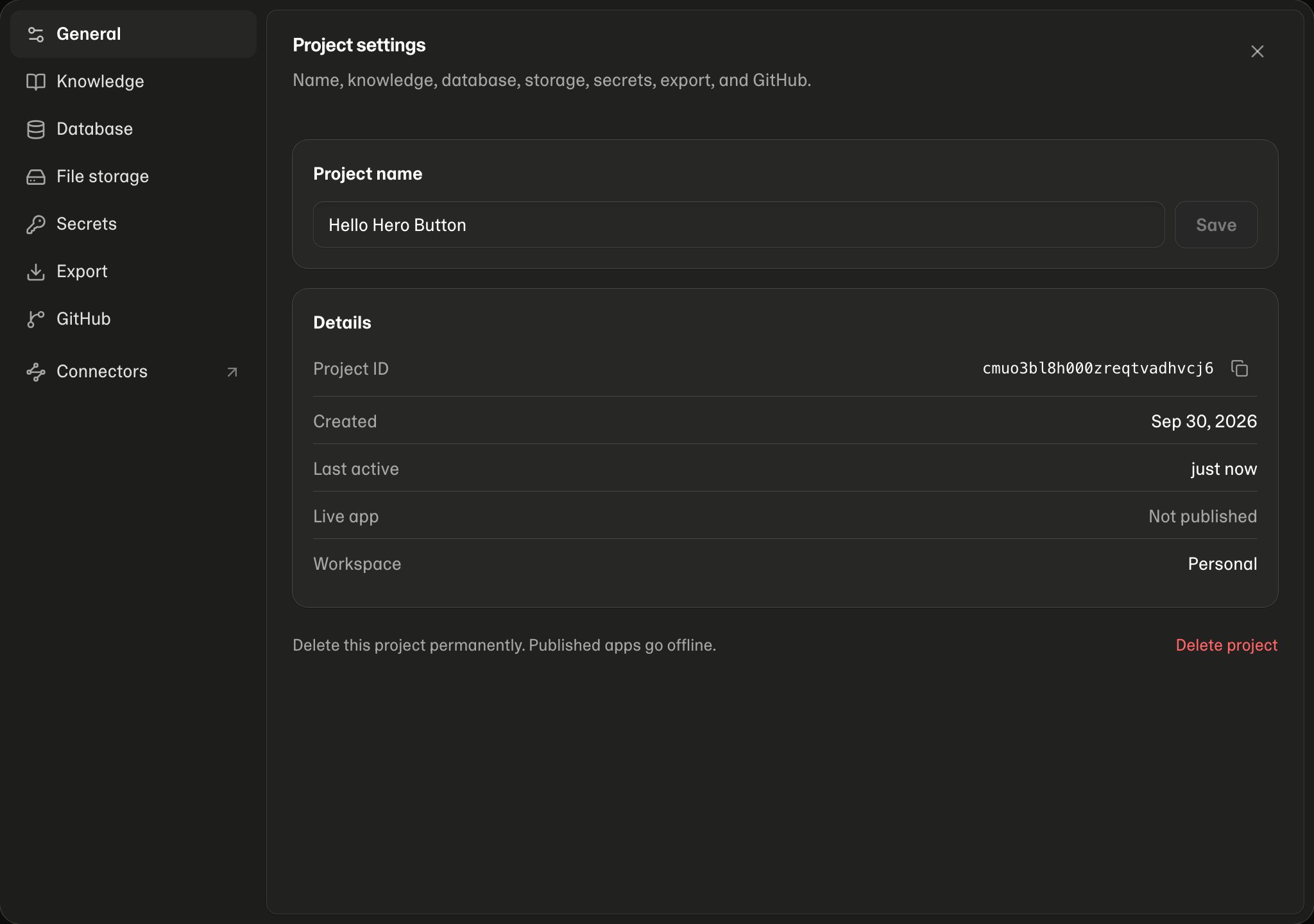
Tabs you can use
See Database and Storage.
General
The project’s name, and below it its Details:Database and File storage
Database is where you download a backup of your app’s data, get the connection string to use it from other tools, and reset its password. File storage lists every file your app has stored. Both say so plainly when the project doesn’t have one yet — Mythex adds them when the app needs them. Details in Database and File storage.Knowledge