

File storage
When your app needs user file uploads (images, PDFs, and similar), Mythex can enable file storage for the project automatically. You do not provision a bucket by hand. App storage is available on Free and Pro. Free is capped at 1 GB.Your files
Open the project name → Settings → File storage (on a phone, tap the project name and choose File storage). Until your app stores something, it says No file storage yet or No files yet.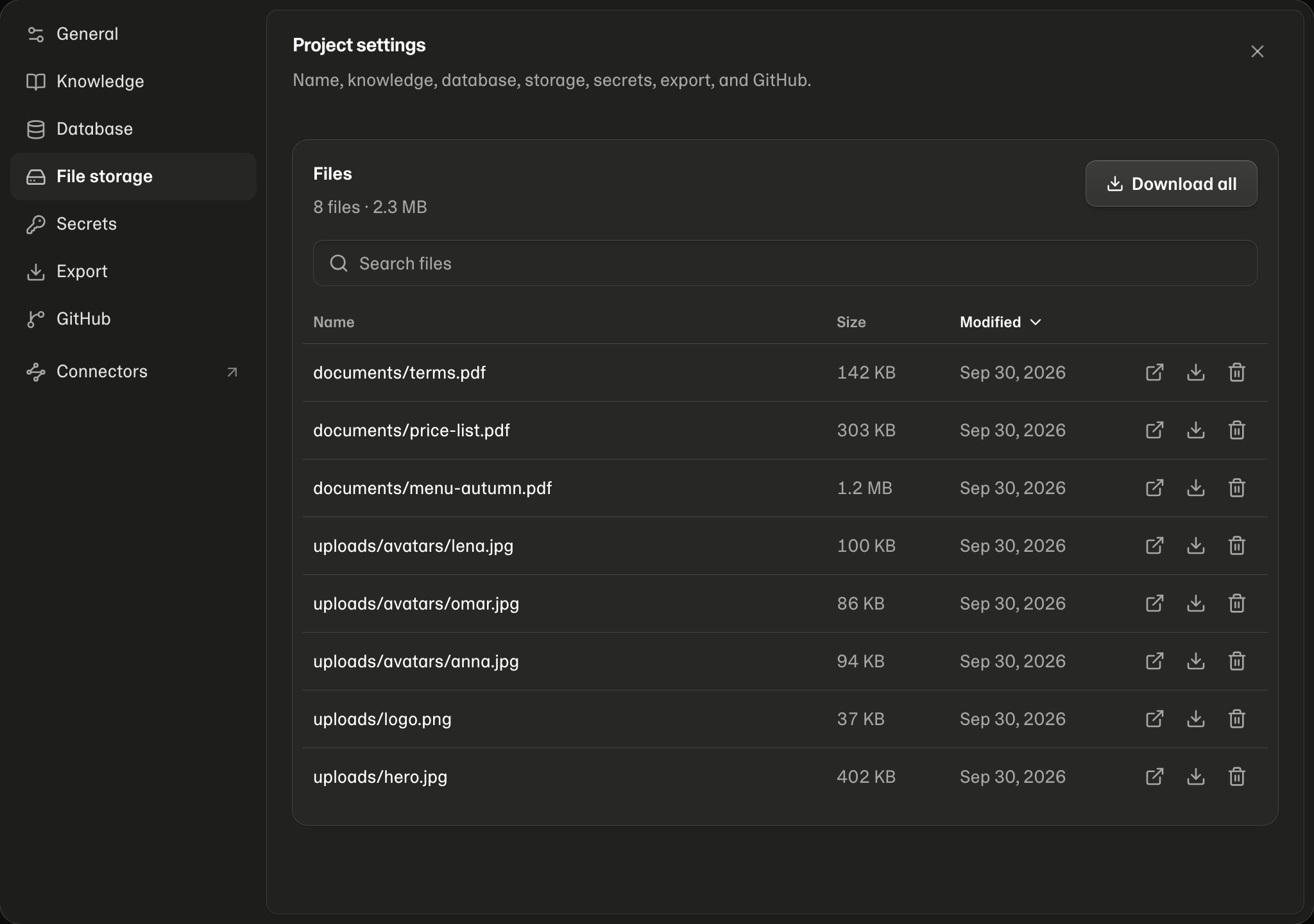
- Search finds a word anywhere in a file’s name.
- Sort by clicking Name, Size or Modified. Newest first is the default.
- Open, Download or Delete any file from its row. Deleting asks first; anything in your app that shows that file stops showing it.
- The list shows 25 files at a time, with arrows to move between pages.
Download all
Download all puts every file into one.zip and downloads it, with the folders kept as they are. It takes a few seconds for a small app and longer for a large one; the download starts by itself when it’s ready. It works on Free and Pro, even when your Cloud credits are empty.
A zip holds up to 5 GB. If your files add up to more, download them one by one.