

Code editor & LSP
Switch the workspace right pane to Code when you want the file tree, editor, and terminal.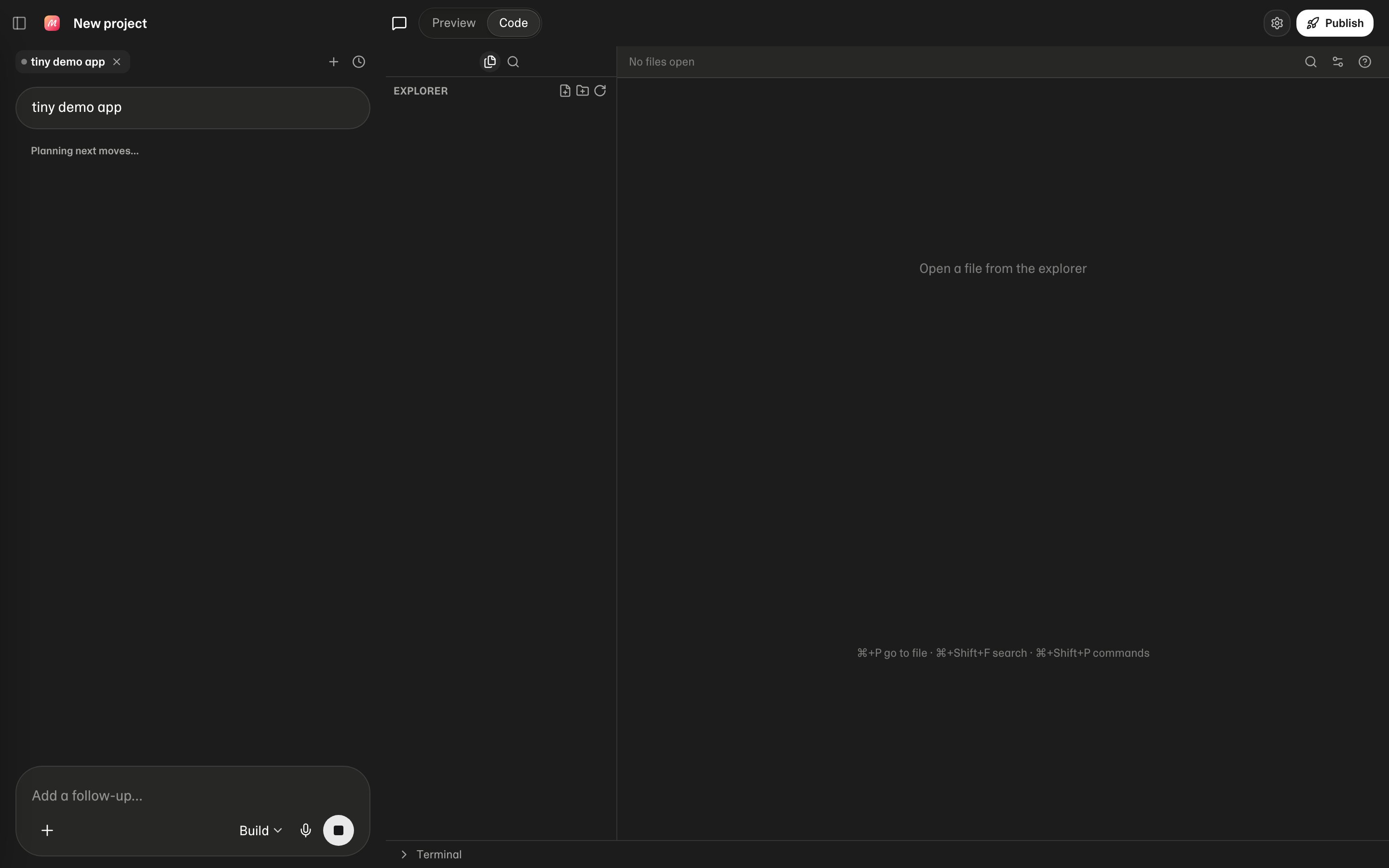
What you get
- File tree — open and navigate project files. New file, New folder, and Refresh sit at the top of the explorer
- Search — search in files (
Cmd/Ctrl+Shift+F) - Editor — Monaco-based editing with tabs. Markdown files can toggle Preview / Code
- Language intelligence (LSP) — completions, diagnostics, and go-to-definition for common languages via the project sandbox (TypeScript/JavaScript, Python, and others depending on the stack)
- Terminal — interactive shell in the private workspace (`Cmd/Ctrl+“ to toggle)
- Editor settings (gear) — font, wrap, tab size
Keyboard shortcuts
Press ? in Code for the cheatsheet.When to use Code vs chat
Tips
- Prefer asking Mythex for large changes so checkpoints stay useful
- After installs, watch the terminal for errors
- Use Revert to this point on a checkpoint if an edit goes wrong